Clean Cutouts & Crisp Vectors. 100% Offline.
Drop in a photo, a sketch or game art. Five guided steps sharpen it, crop it, remove the background and the holes, turn it into a vector and export a transparent PNG, a clean SVG or a laser-ready file. Nothing is uploaded.
- 3 pictures free, no watermark
- No account, no card
- Windows 10 / 11

 Raw inputNuvexel output
A local studio for people who need precise results
2D artists, illustrators & creators
Free sketches, line art and AI images from busy backgrounds in seconds, then turn them into editable Bézier curves without thousands of junk points.
Indie game developers & 2D animators
Split sprite sheets and collages into separate layers automatically, and export sprites with polygon colliders, pivots and normal maps.
Laser engravers, CNC makers & jewellers
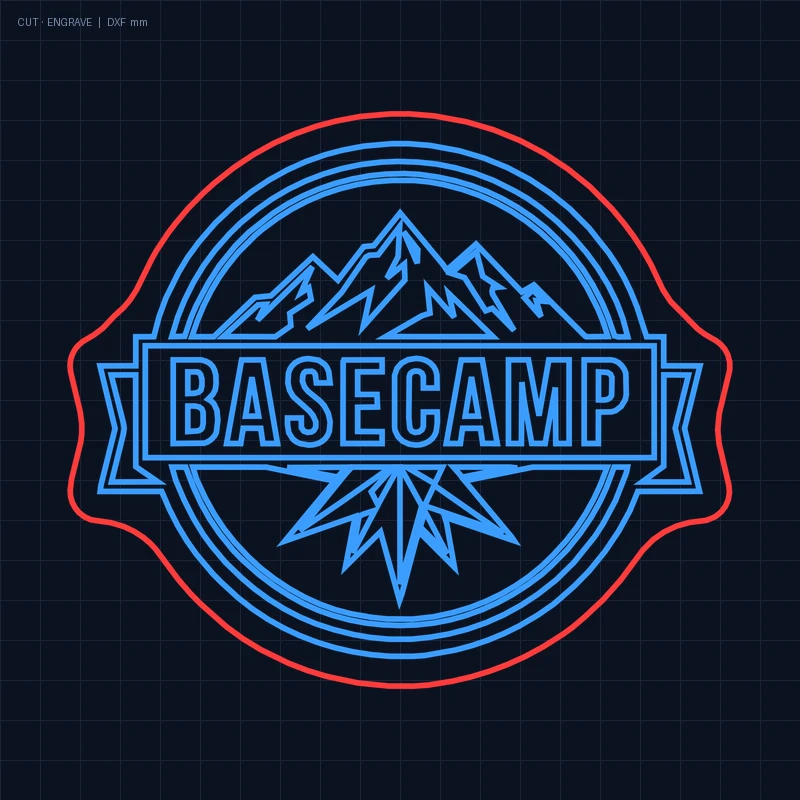
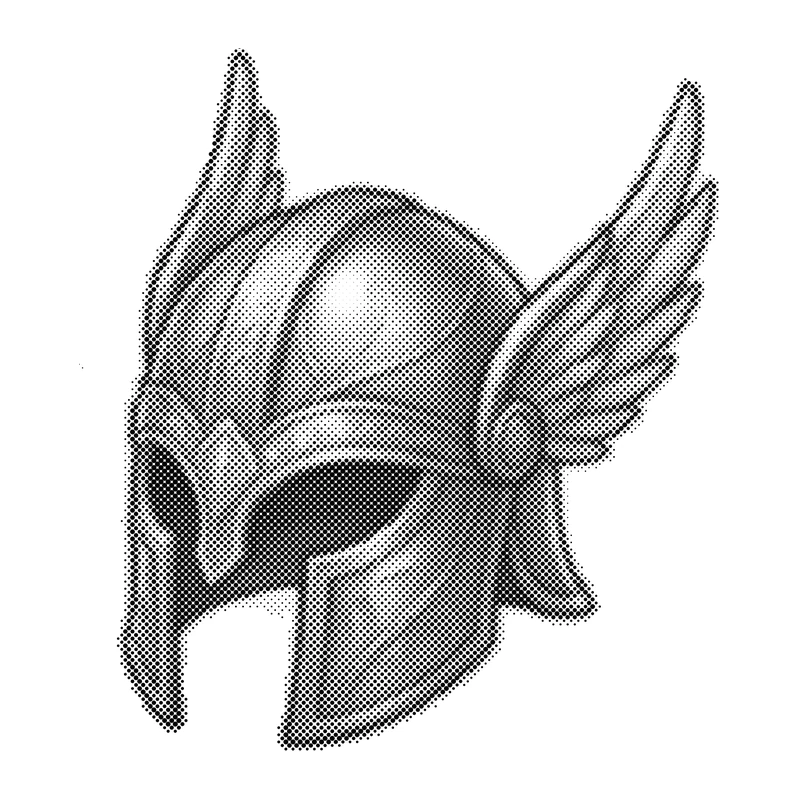
Cut out the tiniest see-through holes, make halftone engraving and export closed DXF outlines in millimetres with holding bridges.
Print, merch, sticker & tattoo designers
Sharpen blurry client files 4× in HD, reduce the palette for screen print or enamel in one click, and prepare cut lines and stencils. 100% private, on your own PC.
Try it right here
Every result below was made by Nuvexel AI Pro. Drag the dividers and click the colors. The tabs switch by themselves until you take over.
 BeforeAfter
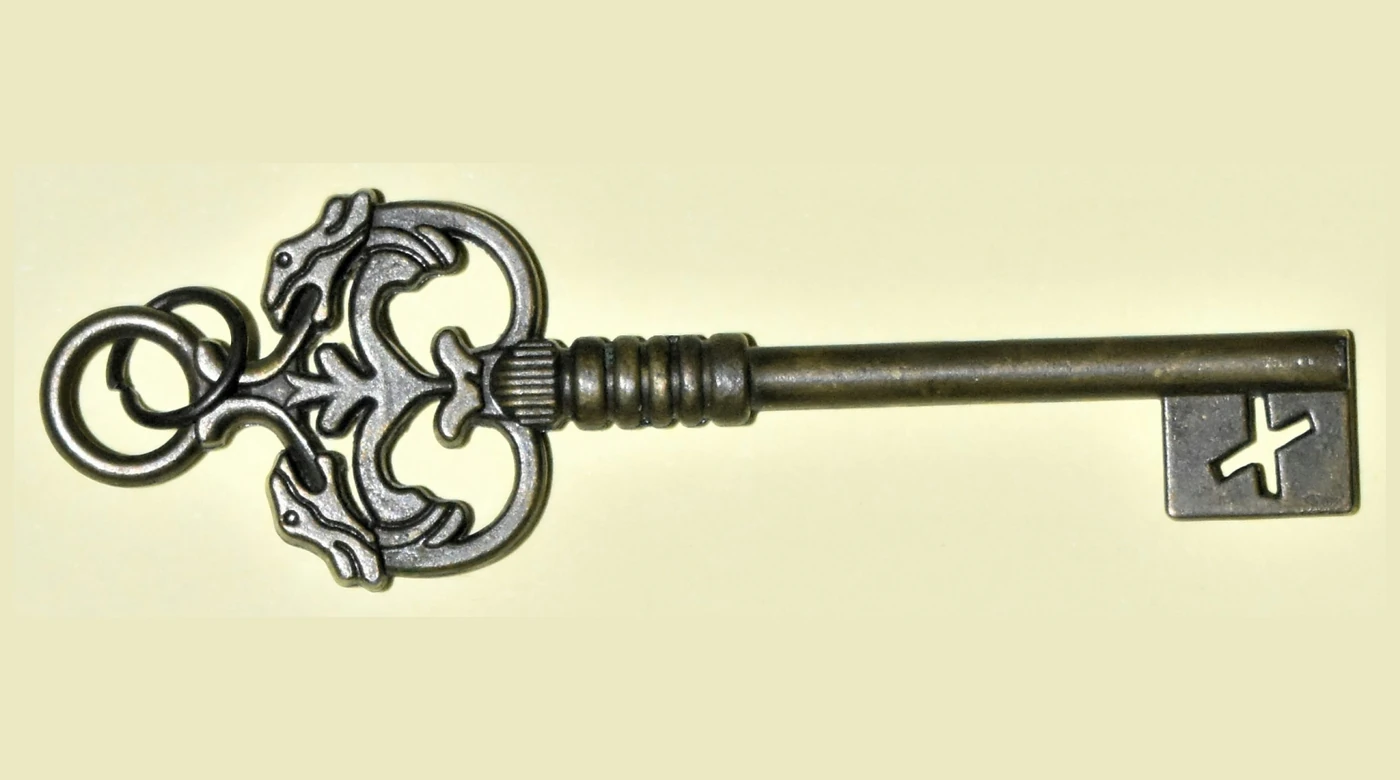
Every hole punched through, automatically
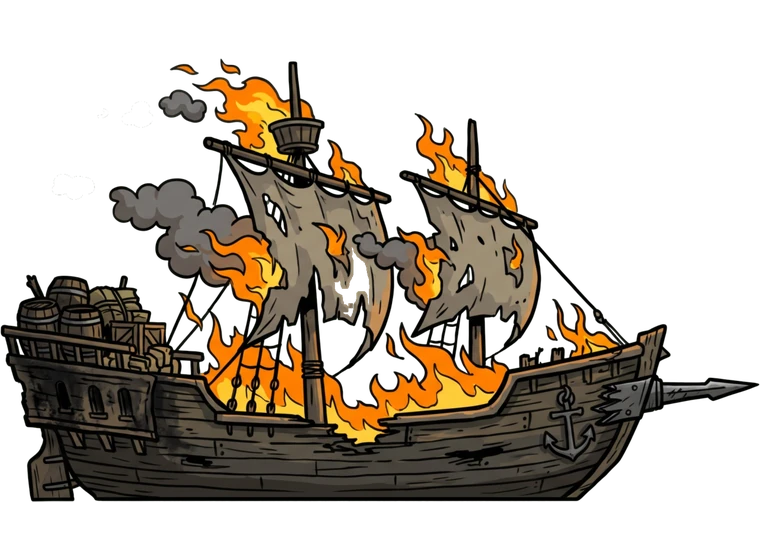
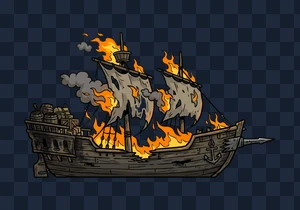
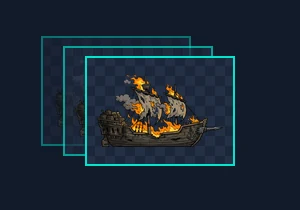
The background disappears both outside and inside the object: openings in metal, gaps between ropes and sails, chain links and letters become real transparency. The coral window is the Hole tool: you see what goes before you click.
- Real photos of metal, busy backgrounds, velvet, gift boxes
- Hole tool: coral preview before you click
- Smart object isolation: click the object to keep only it
 Raster · 600 %Vector · 600 %
Pixel staircase in, smooth Bézier curve out
Zoomed in 6×, a raster edge is a saw of pixels. Nuvexel turns it into a true curve with only a handful of nodes: sharp at any size, light to edit.
- Square nodes = corners · round nodes = smooth curves
- “Simplify nodes” slider, 0-100 %
- Precision corner & curve control in the node editor
Open a real file made by the app: SVG sample 8 KB DXF for laser 44 KB

 150 px JPEG, enlargedAI HD ×4
Like putting on glasses
A tiny, compressed 150-pixel picture becomes a crisp master four times larger: clean ink lines, no JPEG blocks. Clean edges in, clean vectors out.
- Photo and artwork modes, chosen automatically
- Lightweight background processing that never slows down your PC
- Restores the picture and invents no details
A real vector of the dragon mascot, made by the app. Every color is its own layer.
 Original sheet

One clear decision per screen
No wall of settings. Move forward or step back any time: your hand edits survive every slider.


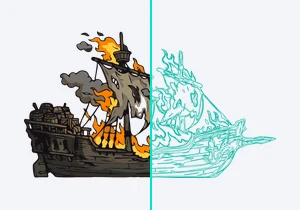

Open a real file made by the app: SVG sample 8 KB DXF for laser 44 KB
Built like a pro tool, priced like an app
100% local & private
Client designs and product photos never leave your PC. It works fully offline, and even activation needs no internet.
Standard studio shortcuts
Space to pan, [ and ] for brush size, Shift for a straight line, Ctrl+Z for history. Works in any keyboard layout.
Zero node bloat
Curves merge between real corners; circles and rings become perfect arcs. Files stay small and easy to edit.
Non-destructive edits
Eraser strokes and cut holes are kept as separate masks, so the automatic sliders never wipe them out.
Built for makers & studios
Laser and CNC files with bridges, halftone engraving, layered ZIP, sprite atlases and a watch folder for batches.
16 languages, light on your PC
English,
One local app instead of a chain of tools
How Nuvexel AI Pro differs from the two kinds of tools people usually use for this job.
| Feature | Nuvexel AI Pro | Typical cloud vectorizers | Legacy desktop vector suites |
|---|---|---|---|
| Where it runs | Your PC, offline | In the browser, on the vendor's server | Your PC |
| Price | $59 once · or $39 a year · or $7.99 for 30 days | ≈ $10-15 a month · $120-180 a year | ≈ $295 one-time |
| Your files | Never leave your disk | Uploaded for processing; size limits apply | Stay on your PC |
| AI background & hole removal | Built in | Usually a separate tool | Usually a separate tool |
| AI HD sharpening before tracing | Built in | Rarely | Rarely |
| Node editor & separate parts | Built in | Basic clean-up | Yes, with a steep learning curve |
| Laser & CNC files | DXF in mm, bridges, halftone | Varies | Varies |
Categories describe typical products on the market in November 2026; individual products differ.
Pay once, or only for the time you need
Every plan is a one-time payment. Nothing renews and nothing is charged again.
Free Trial
- 3 pictures without a watermark, to test on your own files
- Each one in any format, any number of times
- All five steps and all tools
- Export capped at 2× / 2048 px (no 4× / 4K)
- No batch “Save all”, Watch Folder or tray clean-up
- After 3 pictures: DEMO watermark, SVG / DXF / special formats locked
30-Day Pass
- Unlimited pictures and exports
- 4× / 4K Ultra-HD, batch and Watch Folder
- Laser DXF, normal maps, game sprites, GIF
- Quick clean-up from the tray (Ctrl+Shift+V)
- Ends after 30 days. Nothing renews.
1-Year Pass
- Everything in Pro for 12 months
- All updates during the year
- Up to 3 of your own PCs
- ≈ $3.25 a month instead of $7.99
- Ends after 365 days. Nothing renews.
Lifetime Pro
- Everything in Pro, no end date
- All 1.x updates included
- Up to 3 of your own PCs
- Costs the same as 18 months of the yearly plan
- No renewals, no subscription, ever
All paid plans unlock exactly the same full program. They differ only in how long the key works. Commercial use of your results is allowed on every plan. Prices are in US dollars. Payhip may add the VAT or sales tax of your country at checkout where the law requires it.
Honest about what it does best
Nuvexel AI Pro is a precise studio tool. Here is where one click is enough, and where you will want a few more.
2D illustrations, game sprites and item sheets, logos, emblems, line art, tattoo stencils, stickers and objects on a clean or contrasting background. The sharper the source and the plainer the background, the cleaner the automatic cut-out and the fewer vector nodes.
On 3D renders with soft gradients and glow, heavily compressed photos, or scenes where the subject blends into a cluttered background, the automatic pass may need a few clicks with the built-in tools Hole, Object and Restore. Pure SVG turns photographic shading and shiny metal into flat colour areas, because that is how vector graphics work. For 3D art, photos and jewellery choose Clean object (HD hybrid): it keeps the original texture and shading inside a clean vector outline.
Start with 3 free pictures
Windows 10 / 11, 64-bit · no administrator rights · nothing to sign up for.
What's in the free trial
- 3 complete pictures without a watermark
- Every tool and all five steps unlocked
- Save each picture in any format, as often as you like
- Unlimited time. Upgrade with a key, no reinstall.
System requirements
- Windows 10 or 11, 64-bit
- 4 GB RAM (8 GB recommended)
- 1 GB free disk space
- Any 64-bit processor · no graphics card needed
Installing on Windows
New apps without download history may show a blue “Windows protected your PC” window. This is normal.
- Click More info.
- Click Run anyway.
- Follow the installer. It takes about a minute.
Verify file integrity (SHA-256)
Compare these values with the files you downloaded (PowerShell: Get-FileHash <file>).
- Nuvexel_AI_Pro_v1.0_Setup.exe
…- Nuvexel_AI_Pro_v1.0_Portable.zip
…
Questions buyers ask
Does it upload my images anywhere?
No. Background removal, HD sharpening and vectorization all run on your PC. The optional cloud assistant is off by default and only works with your own API key.
What exactly does the free trial include?
Three pictures exported without a watermark. Each counted picture can be saved clean any number of times, in any format. Trial exports go up to 2× / 2048 px; 4× and 4K output are Pro.
Do I need a powerful PC or a graphics card?
No graphics card is needed. The AI runs quietly in the background on your processor, so other programs stay responsive.
Will photos of shiny metal look the same in pure SVG?
In pure SVG, reflections become a gradient and 2-3 tones. To keep every photo detail, choose “Clean object”: real pixels inside a vector outline.
Which files can it open and save?
Open: PNG, JPG, WEBP, BMP, TIFF, GIF, ICO, AVIF, PSD, TGA, HEIC (with the free Windows HEIF codec) and PDF with embedded pictures. Save: SVG, PNG, WEBP, PDF, EPS, JPG, ICO, layered ZIP, laser DXF, halftone, game sprites, normal maps and GIF.
How does activation work offline?
Right after purchase you get a license key by e-mail (it starts with NV3). In the app, click PRO, paste the key and press Activate. No internet connection is needed.
On how many computers can I use it?
A personal license covers up to 3 of your own PCs.
Does any plan renew automatically?
No. Every plan is a single payment. When a 30-day or 1-year pass ends, the app goes back to the trial until you enter a new key.
What if it does not work for me?
Write to [email protected] within 14 days of purchase. You get a full refund if the key was never activated, or if we cannot fix a technical problem within 7 days of your first message.